

Developer Dashboard
Signing Up / Logging In
Create an account and sign in to the Developer Dashboard.
Overview
Use this guide to create an account and access the Developer Dashboard. It covers sign up, email verification, logging in, and password reset.
Sign up
- Key in your work email Address
- Press Continue
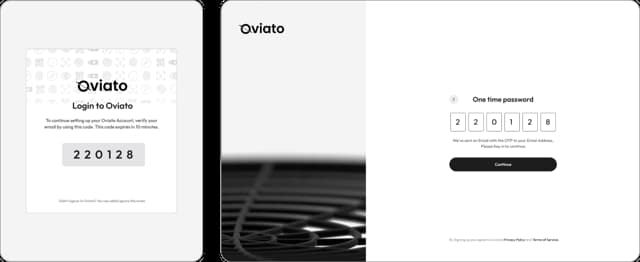
- Check your inbox for one time password to activate your account.
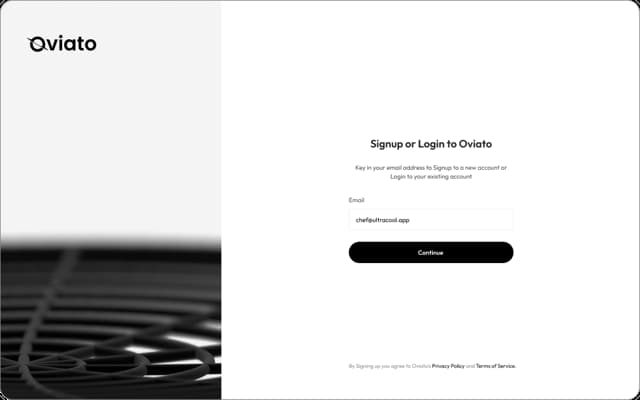
You would recieve the one time password in few minutes.
- Check spam/junk
- Key in the code in the Dashboard Signup
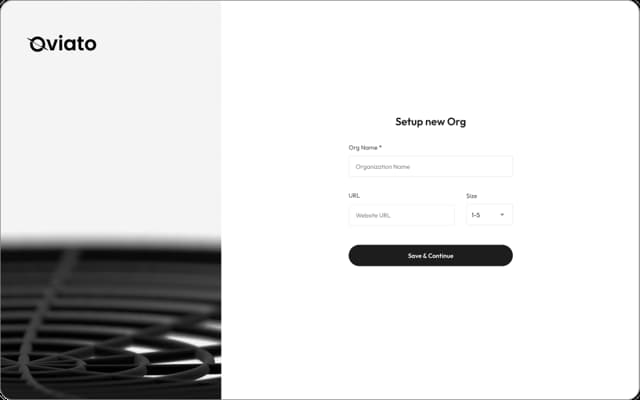
Setting up an Org
Key in your Org name, Org URL and Size.
Log in
- Key in the email you signed up with.
- Check your inbox for one time password
- Click “Continue” to the dashboard.
Troubleshooting
- Make sure your email address is typed correctly and has been verified.
- If you run into repeated failures, try another browser or disable extensions temporarily.
- Still stuck? Contact support@oviato.com.